CHANGING MASTER CODE INSTRUCTIONS
STEP 1: SELECT KEYPAD that you are using then follow instructions below it.
———————————————————————————————————————————————————————————————————————————————
DSC KEYPAD
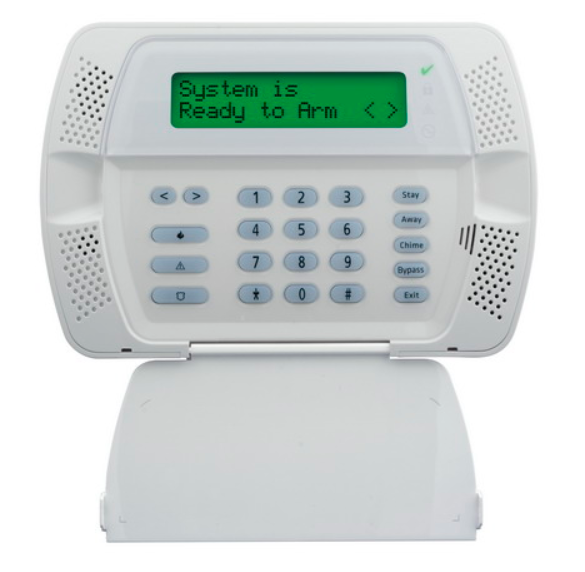
DSC (Page 7 in the User Guide)
Press *5 then enter current master code
hit left arrow two times so that you see 40P and hit * (the current master code will be displayed on the screen)
enter the new master code
– you will be taken to the main screen for user codes, hit # to exit and you will see the date/time on the screen
———————————————————————————————————————————————————————————————————————————————
Honeywell LYNX or VISTA 15p
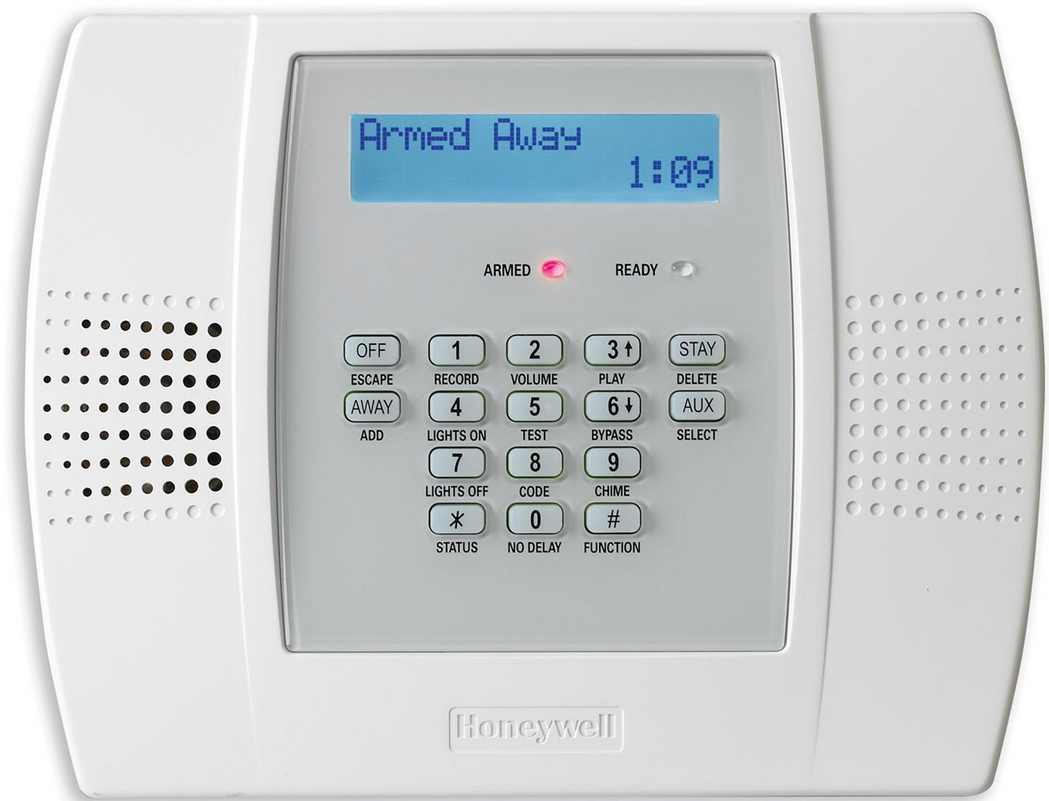
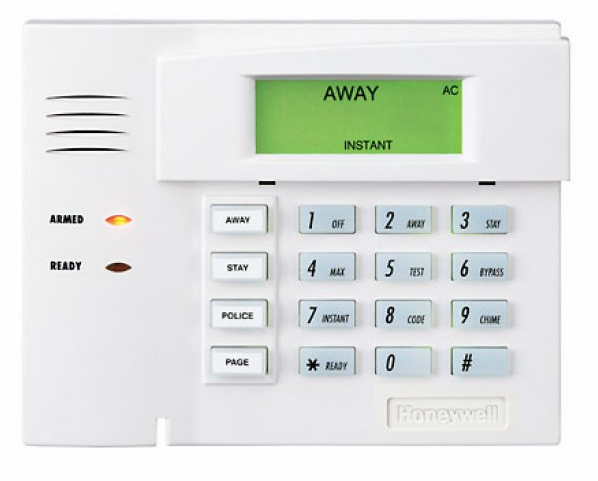 Honeywell (Page 43 in User Guide or Page 9/10 for quick explaination)
DO NOT PAUSE WHEN ENTERING NUMBERS
Enter current master code + 8 + 02 + new code two times
you will hear the system beep a couple of times if entered correctly
———————————————————————————————————————————————————————————————————————————————
GE CONCORD EXPRESS
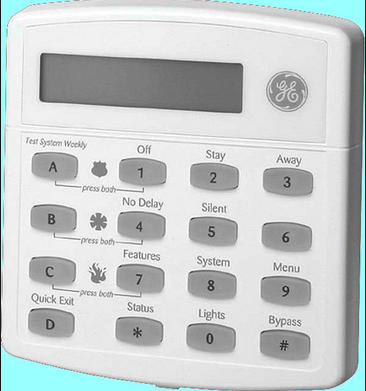
GE Concord Express (Page 11 in the User Guide)
Press 9 + current master code
Press 1 1 0
enter the new desired master code and press #
press * 4 # to exit user programming menu
———————————————————————————————————————————————————————————————————————————————
Brought to you by:
Alarms Across America
WE MAKE SURE BAD THINGS DON’T HAPPEN TO GOOD PEOPLE!!!
OVER 15,000 Homes Secured in Hampton Roads, VA
http://AlarmsAcrossAmerica.com